Getting started with SECD NL Access
NL Access includes two main resources:
- North American Edition (NA Ed)
- Introductory Edition (Intro Ed)
Each contains five modules:
- Brain Development
- Coping and Competence
- Communicating and Learning
- Ecology of Childhood
- Developmental Health
NL Access also includes two individual modules that can be used on their own or in combination with other resources.
- Child Development Primer
- Prenatal Development Module
- Notions de base du développement de l’enfant (Child Development Primer in French)
Tools to help you find information
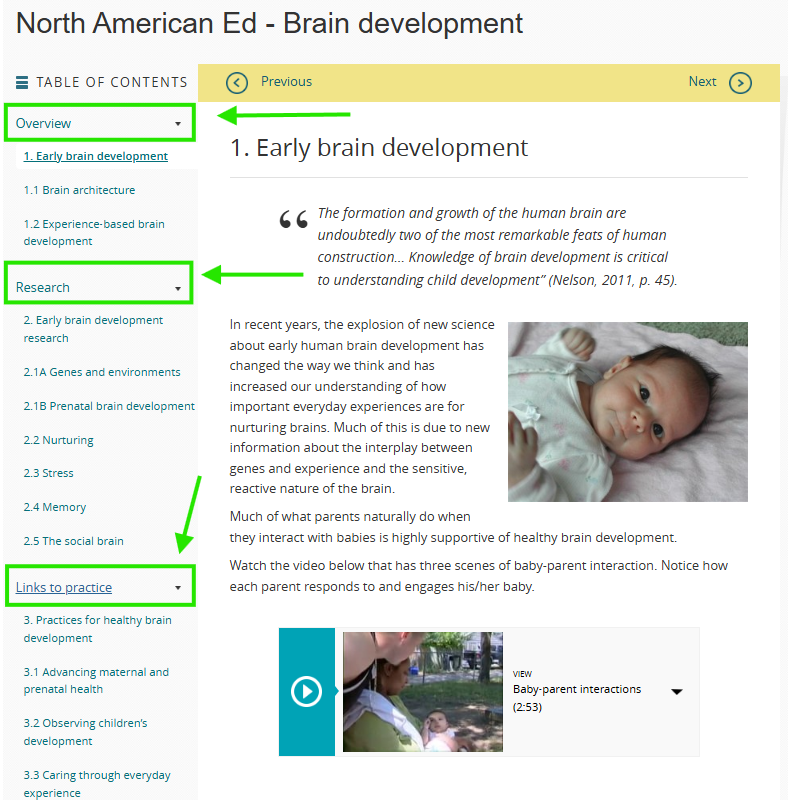
1. Table of Contents
When you access any of the SECD resources, you will see the table of contents either at the top or on the left margin. The modules in the NA and Intro Editions each have three sections: Overview, Research, and Links to practice. The Child Development Primer has eight topic pages.
Scrolling though the page titles in the table of contents is one way to find the information that you want to explore.
2. Search Function
Find information on a topic using the search function found in the upper right corner of each SECD webpage. Try to be specific with the name or term that you are looking for. Using quotation marks around the term/name will focus your search to the SECD webpages with that exact text. For example, the following search in SECD – North American Edition for the term “brain development” (using quotation marks), shows SECD pages that contain the exact term.
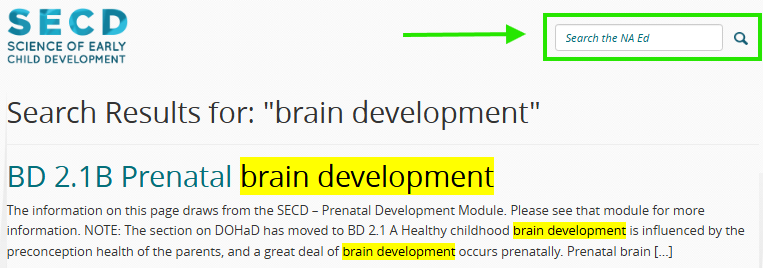
Note: Searching within the NA Ed or the Intro Ed will show results for all five modules in each resource. Searching within the individual Primer or Prenatal modules will show results for that module alone.
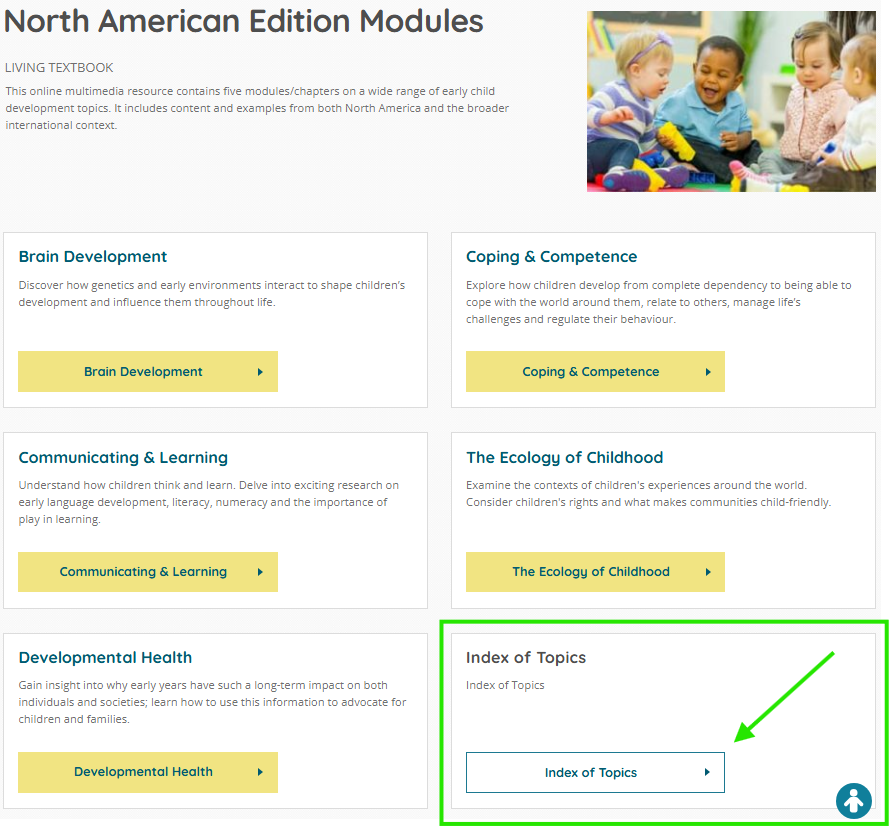
3. Index of Topics (in North American Ed only)
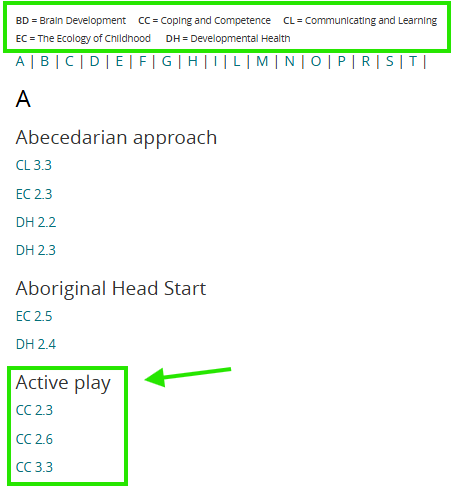
The Index of Topics can be found on the landing page of the North American Edition. Use the index to search for a topic of interest. For example, if you are wondering about the benefits of Active Play, the Index of Topics lists three SECD pages with information.
Click on a page in the Index of Topics to open that page. Then, use the browser’s “find” feature to find that topic on the page.
Note the abbreviations for the 5 modules.